AI Image and GIF Generator Online

GPT Image 2.6 AI Image Generator with GIFs, SVG and Faster Edits

Generate images from text, edit photos with reference images, and animate ideas into looping GIFs with GPT Image 2.6. Flare returns an image in as little as six seconds; Sunburst holds characters, products and brand details steady across every editing round.

Open the GPT Image 2.6 generator below. Free credits, no setup.

Hero showcase image 1Hero showcase image 2Hero showcase image 3Hero showcase image 4Hero showcase image 5
What's New

🚀 GPT Image 2.6 is live — Flare and Sunburst, 50% faster generation, with output up to 4K.

GPT Image 2.6

Generate stunning images using cutting-edge AI models — with optional reference images

GPT Image 2.6GPT Image 2.6

Be specific about subject, style, and lighting.

0/5000

✨ Please login to try for FREE ✨

See GPT Image 2.6 in Action

A marked-up photo, a sketch or a plain prompt goes in. The finished image comes out.

01Markup Edit

Three red marks on a living-room photo: a circle on the cushion, crosses on the plant and the rug, an arrow for the lamp. One sentence tells GPT Image 2.6 what each mark means.

InputLiving-room photo with red markup circling a cushion, crossing out a plant and a rug, and an arrow pointing the lamp to the right
Prompt

Follow the red markup: make the circled cushion blue, remove the crossed-out plant and rug, and move the floor lamp to the right. Keep everything else exactly as it is.

OutputThe same living room edited by GPT Image 2.6: blue cushion, plant and rug removed, lamp moved to the right

02Circle and Recolor

The official markup example from the API docs. A single red circle on the kitchen photo points at the vase; the prompt names the new color and asks for the circle to go.

InputKitchen photo with a red circle drawn around a striped vase on the dining table
Prompt

Make the vase inside the red circle blue and remove the circle.

OutputThe kitchen edited by GPT Image 2.6 Flare with a blue vase and no red circle

03Sketch to Character

A ballpoint owl on lined paper becomes a clean cartoon character. GPT Image 2.6 keeps the proportions of the drawing, so the result is ready to animate as a mascot or sticker.

InputPen sketch of an owl drawn on lined notebook paper
Prompt

Turn this sketch into a clean cartoon owl character with soft shading and a plain background. Keep the proportions and pose of the drawing, ready to animate.

OutputFinished cartoon owl character generated by GPT Image 2.6 from the sketch

04Recolor, Keep the Rest

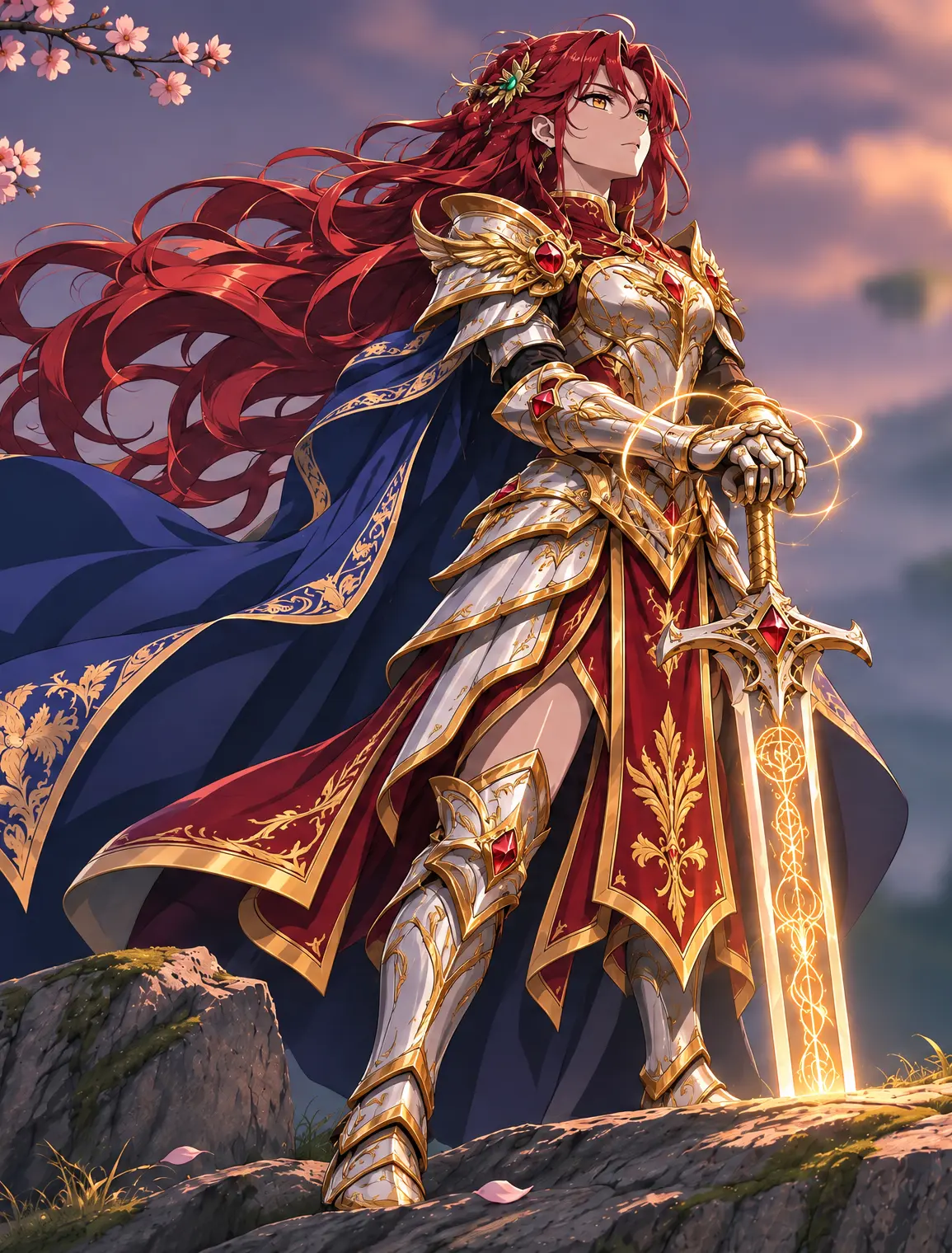
Same knight, same cliff, same castle. Only the armor changes color. GPT Image 2.6 Sunburst holds the face, hair and pose steady across the edit, which is what a long chain of revisions needs.

InputRed-haired knight in green and gold armor on a cliff overlooking mountains and a castle at sunset
Prompt

Change the armor from green and gold to red and gold. Keep the face, hair, pose, the cliff and the castle exactly as they are.

OutputThe same knight edited by GPT Image 2.6 to wear red and gold armor with the scene unchanged

05Low, Medium, High

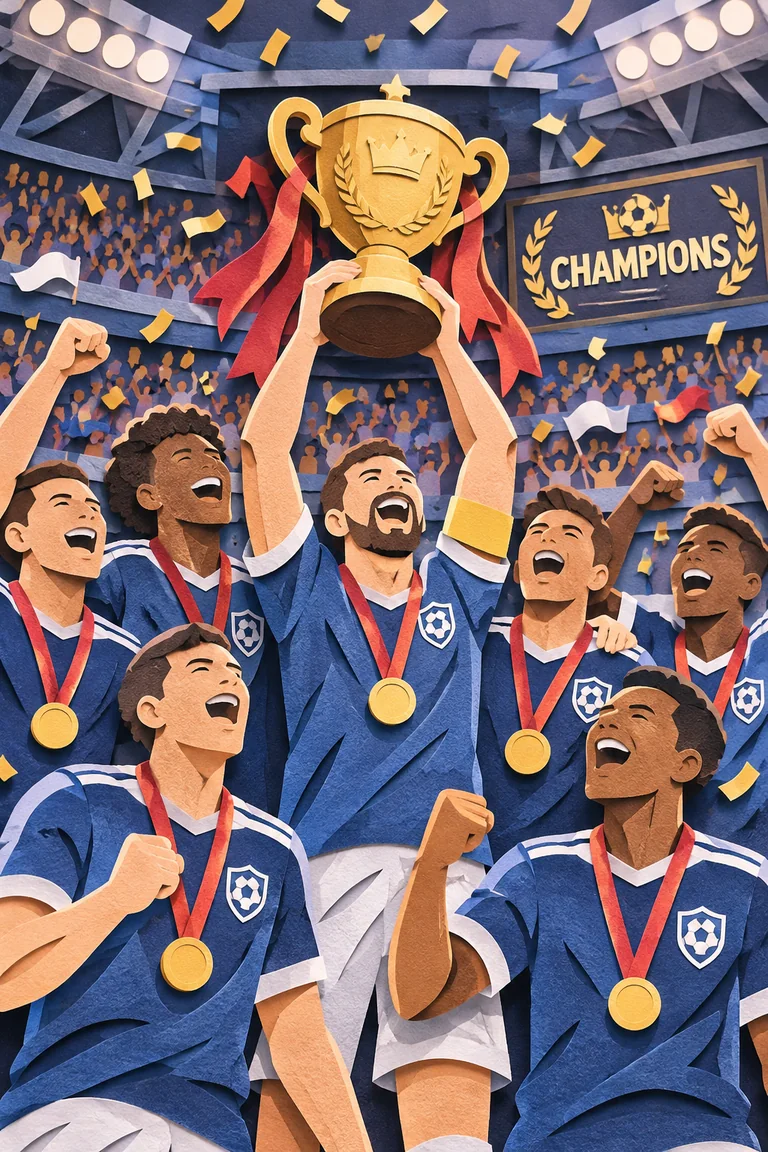
One paper-cut prompt, three complexity settings, no reference image. Low gives a clean scene fast; medium adds crests and laurels; high fills the stands. Pick how much planning happens before rendering.

Prompt

Paper-cut collage of a football team lifting a trophy in a packed stadium under a CHAMPIONS banner, layered card stock with visible paper edges. Rendered three times with complexity set to low, medium and high.

OutputThree paper-cut football celebration scenes rendered by GPT Image 2.6 Sunburst at low, medium and high complexity
Steps

GPT Image 2.6 in 4 Steps

From a prompt or a stack of reference photos to a finished image, ready to download in minutes.

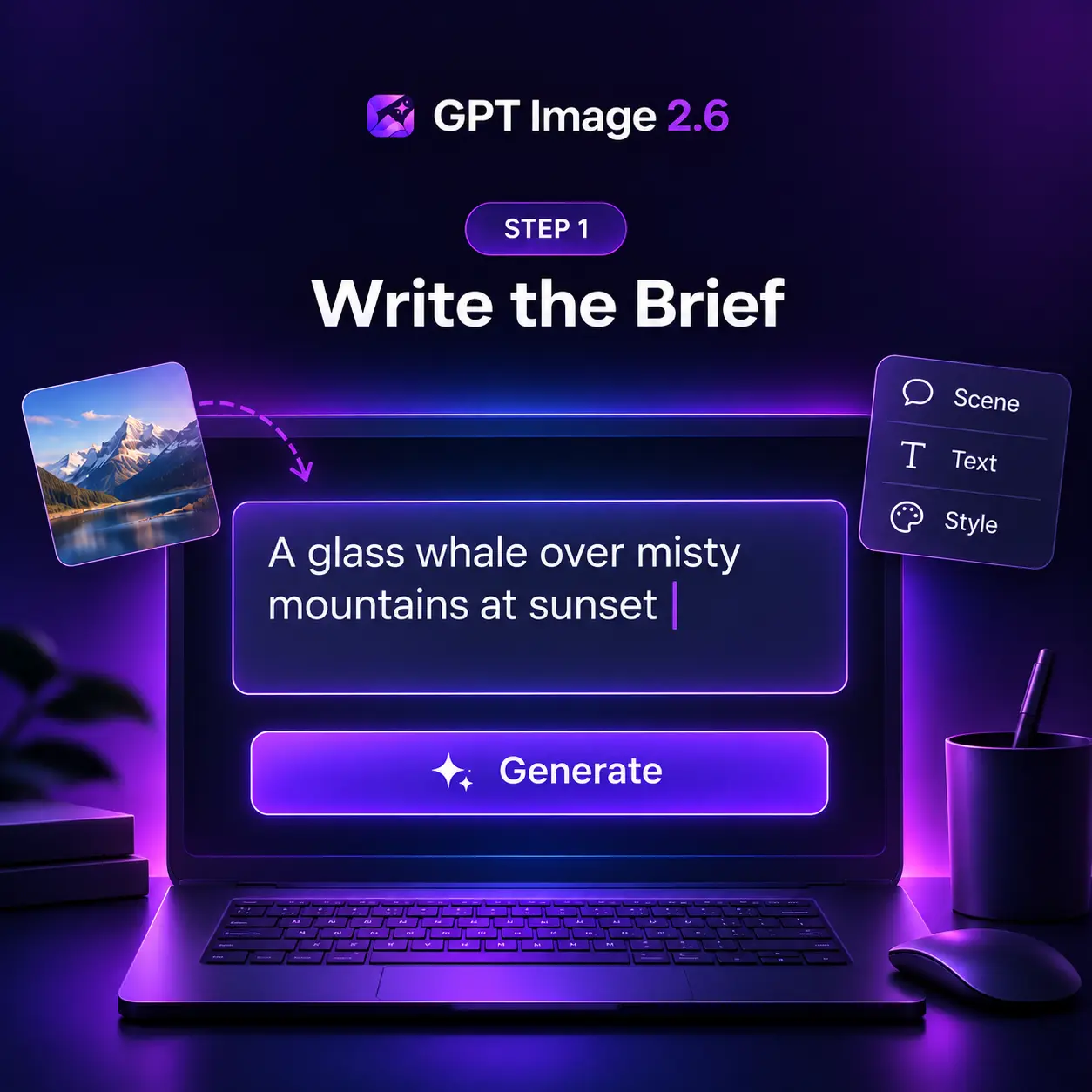
Describe the subject, the setting, any text the image must carry, and the mood. GPT Image 2.6 follows long briefs closely, so the more you specify, the less you fix afterwards.

Writing a prompt in the GPT Image 2.6 generator
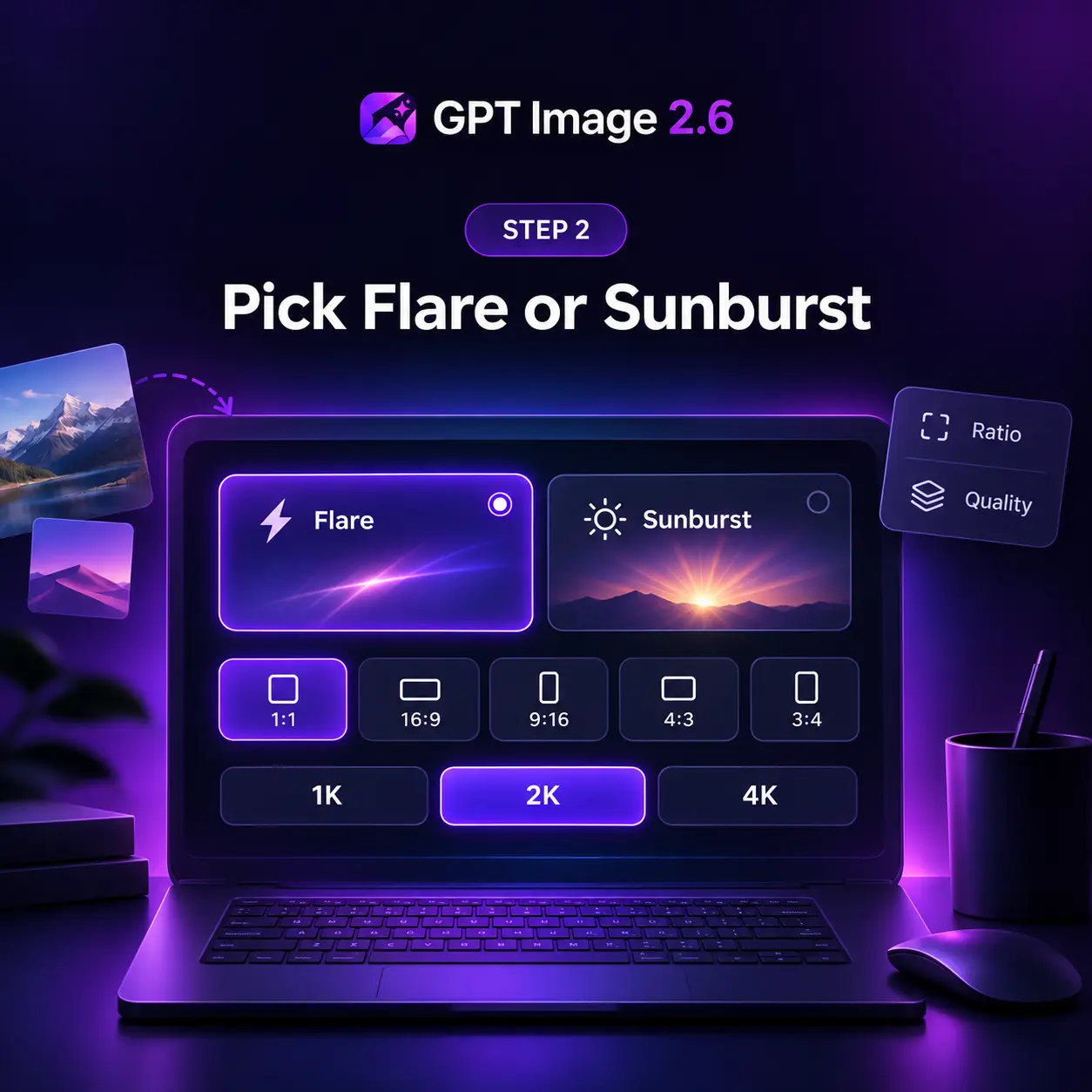
Choosing the Flare or Sunburst variant and aspect ratio in GPT Image 2.6
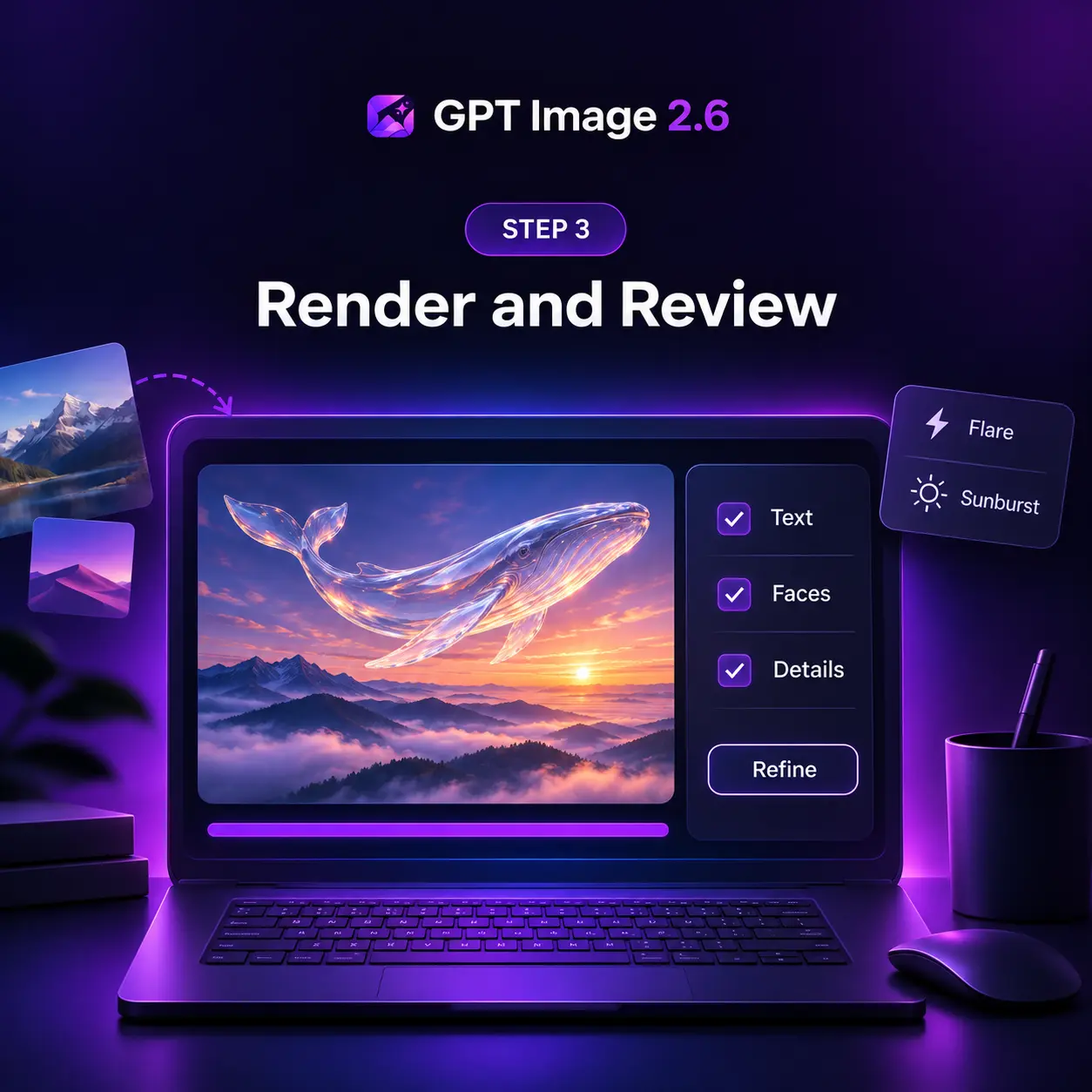
Reviewing a GPT Image 2.6 result in the generator
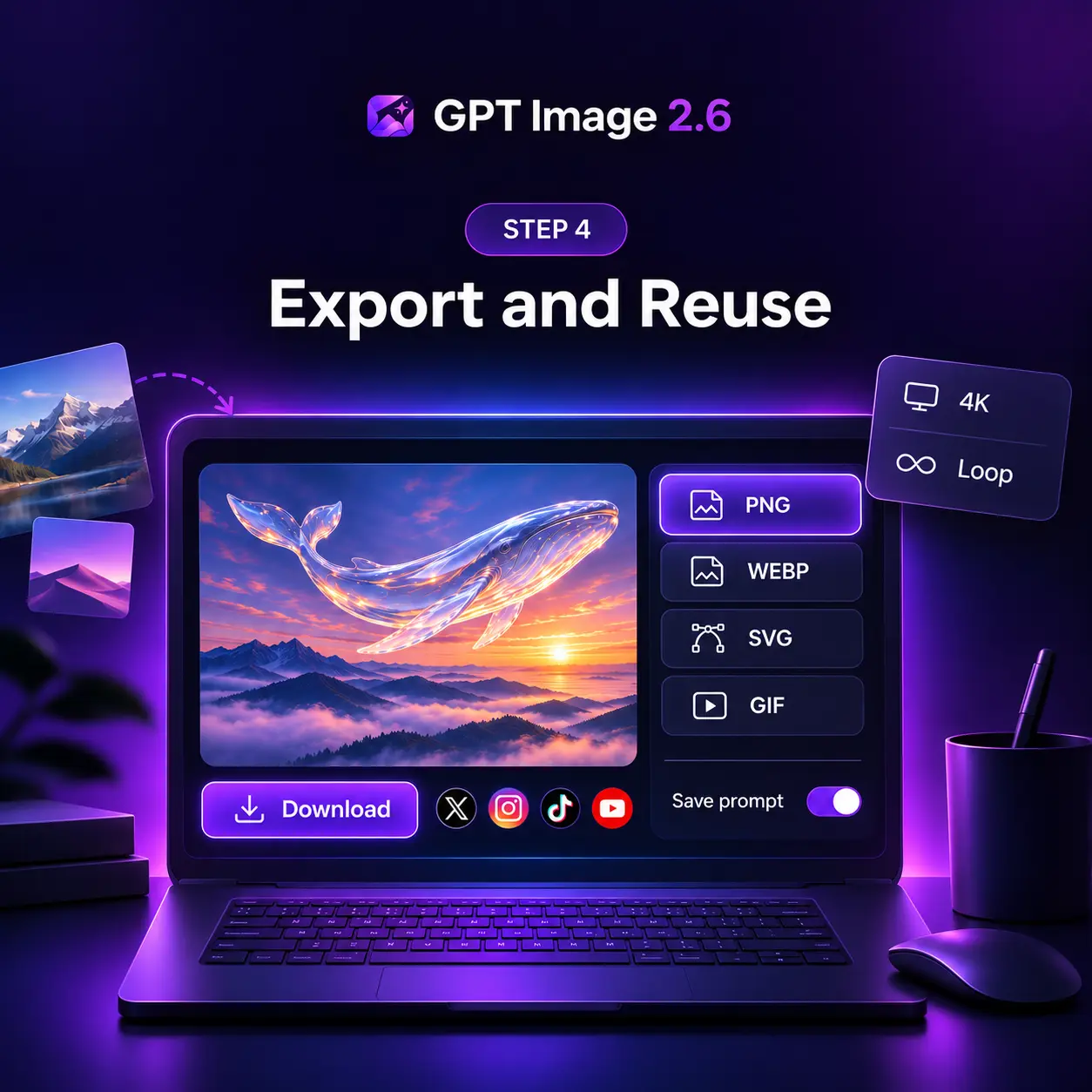
Downloading a finished GPT Image 2.6 image

What GPT Image 2.6 Adds

Animated GIFs, vector export, markup-guided editing and two API models tuned for speed or consistency.

Looping GIF Output

Turn a prompt or a still into a looping animation of 2 to 64 frames, with timing you set, for mascots, reactions and storyboards.

SVG Vector Export

Receive logos, icons and flat layouts as clean, editable vector files that scale to any size for websites, apps and print without blur.

Markup-Guided Edits

Circle a region on the source photo and say what should change there. Only that area is redrawn; the rest of the frame is left alone.

Flare: Six-Second Draft

At low quality, Flare returns a finished image in as little as six seconds, with tighter poster and product layouts than the last release.

Sunburst: Steady Edits

At medium and high quality, Sunburst keeps faces, products and brand marks consistent from the first edit to the last in a long chain.

Complexity Control

A separate complexity setting decides how much planning happens before rendering: low for quick fixes, high for crowded scenes.

Stats

GPT Image 2.6 by the Numbers

Powered by OpenAI — what the 2.6 release changes

Faster Generation

50%

than the previous release

Fastest Draft

6s

Flare at low quality

GIF Frames

64

per animated loop

Use Cases

Six Jobs for GPT Image 2.6

Ad campaigns, product scenes, posters, logos, reaction GIFs and mascots: where the new formats and the faster model pay off.

No Preview

Advertising Campaigns

A shampoo bottle on a highway billboard at sunset, the tagline spelled right on the first try, traffic streaking past below. GPT Image 2.6 renders the product, the type and the scene as one photograph, then swaps the season on request.

No Preview

Product World Scenes

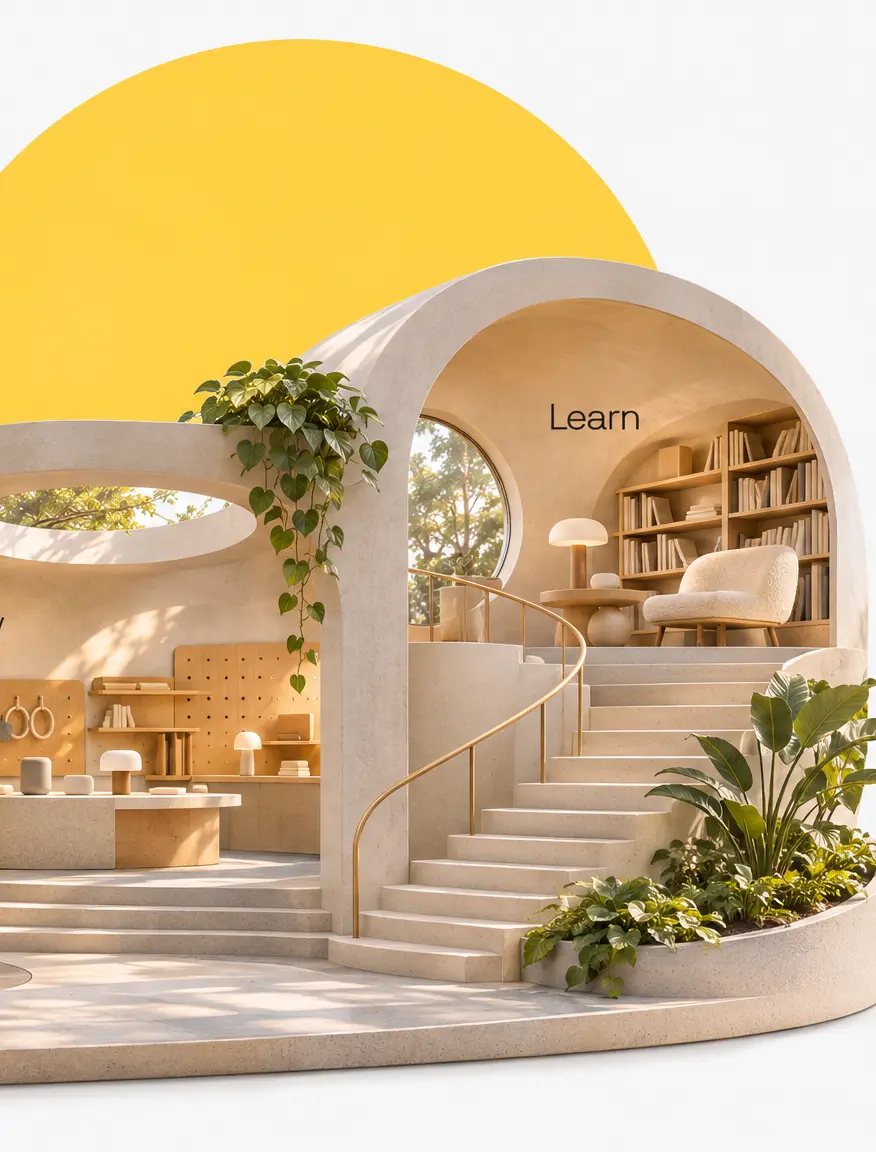
An onboarding flow staged as a miniature showroom: Explore, Try and Learn each get a room under sculpted arches. GPT Image 2.6 lays out the set, the signage and the headline in one render, so a product story lands as a single visual.

No Preview

Posters and Event Art

Paper-cut players lifting a trophy, medals catching the floodlights, a crowd folded from card stock. GPT Image 2.6 Flare has been tuned for exactly this kind of layout, so a championship poster or a match-day graphic comes back print-ready.

No Preview

Logos and Vector Marks

Ask for a bakery mark and GPT Image 2.6 returns an SVG: a golden loaf above hand-lettered type, built from editable shapes with no bitmap inside. Flare and Sunburst each give a variant, and both scale to a shop sign or a favicon without blur.

No Preview

Reaction GIFs for Social

A chibi office worker sobs at a falling chart, then cheers a rising one. Each loop is six frames from one prompt. GPT Image 2.6 keeps the character, desk and monitor identical in every frame, so a meme account gets a matched set.

No Preview

Animated Mascots

A monkey in a snow-dusted coat lifts a paper lantern, blinks, and lowers it again. Nine frames, 200 ms each, looping forever. GPT Image 2.6 builds the whole sequence from one prompt, so a brand mascot or a game character is one request.

Pricing

Get Started with GPT Image 2.6 AI image generation.

Save 30%

1300 Credits

Popular
$35.9$20/ month

Most popular for individual creators!

Includes

  • 1300 credits / month
  • Credits never expire
  • Text to Image
  • Image to Image
  • Models Support:
    GPT Image 2.6GPT Image 2.6
    Nano Banana 2Nano Banana 2
  • Private Generation
  • Commercial License

cancel anytime

550 Credits

$20.9$10/ month

Perfect for trying out.

Includes

  • 550 credits / month
  • Credits never expire
  • Text to Image
  • Image to Image
  • Models Support:
    GPT Image 2.6GPT Image 2.6
    Nano Banana 2Nano Banana 2
  • Private Generation

cancel anytime

2500 Credits

Most Cost-Effective
$55.9$35/ month

Best for professional creators!

Includes

  • 2500 credits / month
  • Credits never expire
  • Text to Image
  • Image to Image
  • Models Support:
    GPT Image 2.6GPT Image 2.6
    Nano Banana 2Nano Banana 2
  • Private Generation
  • Commercial License
  • Priority Support

cancel anytime

Secure, encrypted checkoutPowered byStripe
Testimonial

Creators on GPT Image 2.6

Notes from designers, marketers and developers who moved their daily image work to GPT Image 2.6

Michael Chen

Graphic Designer

I mark up the client's photo with a circle and a note, and the revision comes back with just that part changed. Review rounds dropped from five to two.

Sarah Kim

Content Creator

One prompt gave me a looping GIF of my mascot waving. I used to cut those frames by hand in an afternoon; now it is a single request before breakfast.

James Thompson

Product Manager

Flare is fast enough to sit inside our sprint demos. I type a layout brief during standup and the mockup is on screen before the next person speaks.

Elena Garcia

Marketing Director

Sunburst held our product's label and colors across twelve campaign variants. No drift, no reshoots, and the brand team approved them in one pass.

David Wilson

E-commerce Seller

Listing images for a new SKU take minutes now. Same bottle, same shadows, ten backgrounds, and the brand mark stays sharp at 4K every single time.

Mia Zhang

UX Designer

SVG export means the icons I generate drop straight into Figma as vectors. No tracing, no cleanup, just editable paths that match the rest of the system.

GPT Image 2.6 Around the Web

First results and reactions from creators trying GPT Image 2.6 on launch week.

Inside GPT Image 2.6

The native image model behind the GPT Image family, the two dials that shape every 2.6 request, and the provenance layer on every output.

Pixels as Tokens

GPT Image 2.6 belongs to the omni family that writes pixels the way it writes words: image tokens are predicted one after another beside the prompt text, so layout, lettering and lighting are settled together instead of being painted over noise and fixed later.

Plan, Then Render

Two dials shape every request. Complexity sets how much the model reasons about the scene before the first pixel, low for a quick edit and high for a crowded brief. Quality then sets rendering detail. Keeping the two apart is what makes six-second drafts possible.

Two Models, One Base

Flare and Sunburst share one base. Flare is tuned for speed and cleaner layouts; Sunburst for detail and consistency across edits. Every output carries C2PA metadata plus a SynthID watermark, so a GPT Image 2.6 file can be verified with OpenAI's public tool.

FAQ

GPT Image 2.6 Questions, Answered

Have more questions? Contact us by email

1

What is GPT Image 2.6?

GPT Image 2.6 is the image model OpenAI released on November 4, 2026, as Images 2.6 in ChatGPT and Codex and as GPT-Image-2.6 Flare and Sunburst in the API. It generates images from text, edits photos with reference images, and adds animated GIF output, SVG export, markup-guided editing and a complexity control. This site wraps the model in an online generator, so you can use it without an API key or any setup.

2

What is new compared with GPT Image 2.5?

Speed and formats. GPT Image 2.6 generates images 50% faster than before, and Flare can return a low-quality draft in as little as six seconds. New capabilities include looping GIFs of 2 to 64 frames, SVG vector output, image markup that pins an edit to the spot you circled, a complexity setting that controls how much planning happens before rendering, and saved reference images in ChatGPT. Token pricing for the API is unchanged from 2.5.

3

Flare or Sunburst: which should I use?

Flare is the speed model. Set quality to low for a six-second draft, or medium for posters, product shots and other layouts where it has improved most. Sunburst is the quality model: at medium or high quality it renders more detail and keeps characters, products and brand marks consistent across a long chain of edits. Start with Flare to explore, switch to Sunburst for the final pass. Both are available in the generator on this page.

4

Can GPT Image 2.6 make GIFs and SVG files?

Yes. On the generation endpoint, GPT Image 2.6 can return an animated GIF with 2 to 64 frames and a frame duration between 20 and 2,000 milliseconds, or an SVG vector made of editable shapes with no embedded bitmaps. Both formats are produced from a text prompt; GIF and SVG are not available on the edit endpoint. For animation, write the motion as a short sequence in the prompt and ask for a seamless loop.

5

What resolutions and aspect ratios does the generator support?

The generator renders at 1K, 2K and 4K. Aspect ratios include 1:1, 16:9, 9:16, 4:3 and 3:4, plus an automatic option that lets the model pick the frame. Square output tops out at 2K, and the automatic option always renders at 1K. Image-to-image accepts up to 16 reference images per request. Higher resolutions use more credits, and the generator shows the exact cost before you run it.

6

Do I need an account, and what does it cost?

Browsing the examples needs no sign-in, and a new account comes with starter credits for GPT Image 2.6. Credits are deducted per generation according to resolution: 1K costs the least, 4K the most, and unused credits never expire. Paid plans bundle more credits and add private generation, a commercial license, and priority support at the top tier. See the pricing section on this page for every plan.

Start with GPT Image 2.6

Faster drafts, steadier edits, GIFs and vectors — your first image is seconds away.